Stealthy. Powerful. Pocket-Ready.
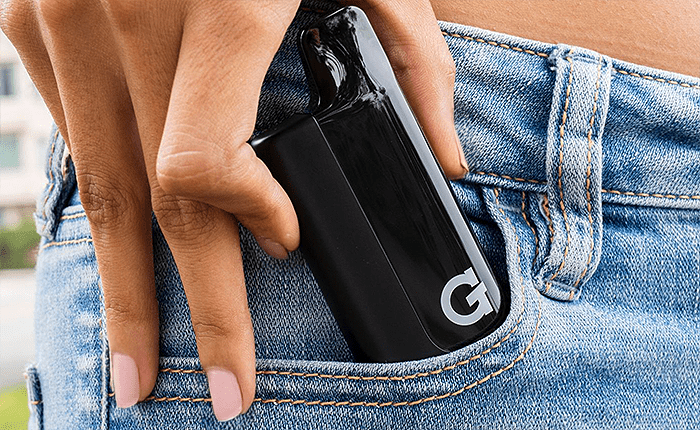
Looking for the best 510 cartridge battery for low-key sessions on the go? Meet the G Pen Hydout 510 Cartridge Battery — a compact, concealed vape battery for 510 cartridges that delivers serious performance without blowing your cover.
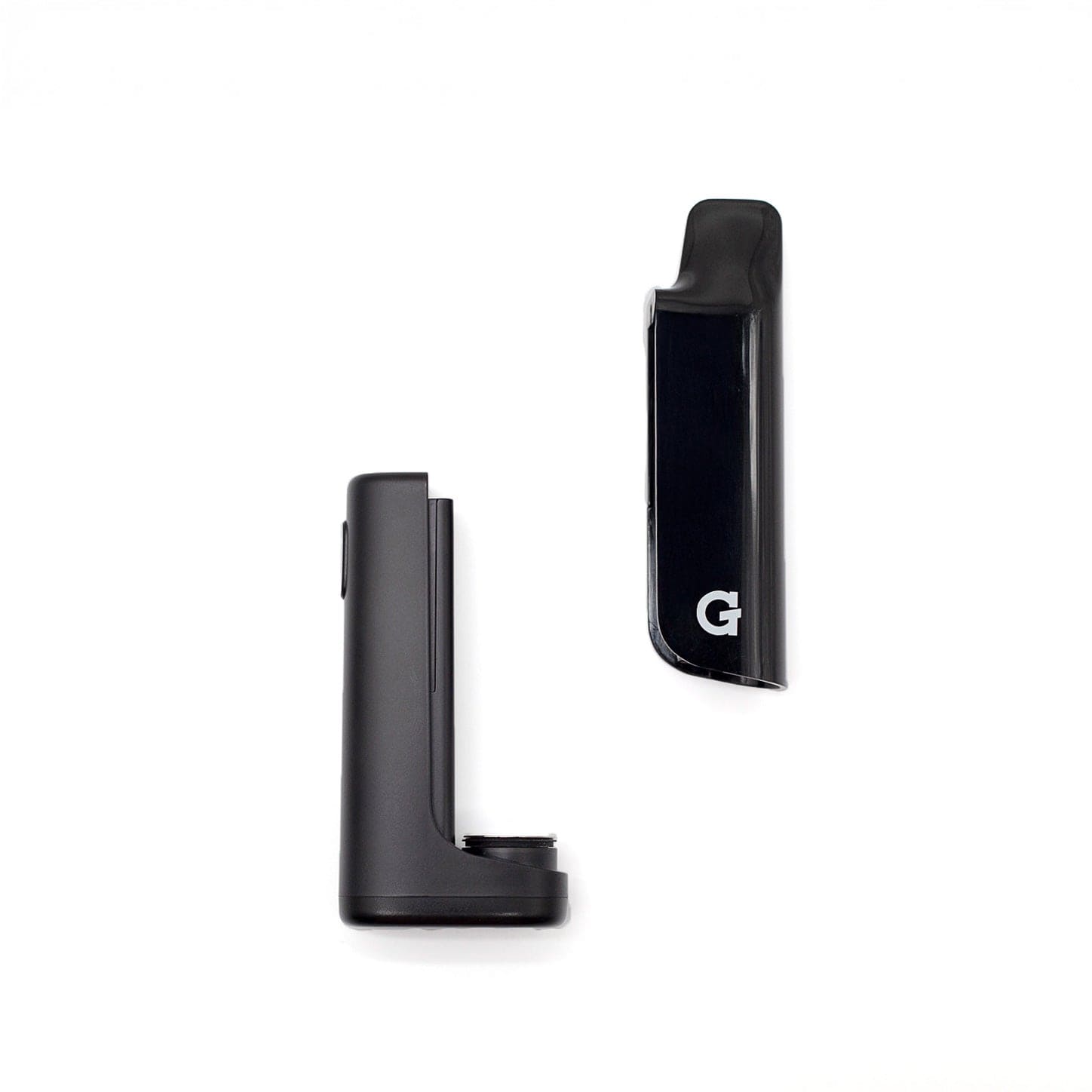
This pocket-sized powerhouse features a hidden magnetic mouthpiece cover to keep your cart discreet and protected from light (yes, it helps preserve oil quality), a 400mAh battery, adjustable voltage, and a bright LED display for full control over every hit. Compatible with most 510 thread cartridges up to 2g, the Hydout is perfect for smooth, customizable sessions—wherever you are.
Why You’ll Love It:
Stealth Design: Magnetic cover hides your 510 cart for ultra-discreet vaping
Adjustable Voltage: 5 heat settings (2.4V–3.8V) + preheat mode for clog-free hits
LED Display: Shows battery life + voltage so you’re always in control
USB-C Charging: Fast, modern, and convenient
Compatible with Most 510 Carts: Works with cartridges up to 2g
⚡ Specs:
Battery: 400mAh rechargeable
Voltage: 2.4V / 2.8V / 3.2V / 3.6V / 3.8V
Preheat Mode: 1.8V
Size: 90mm x 37.5mm x 18.5mm
Charging: USB-C (cable not included)
📦 What’s In The Box:
1x G Pen Hydout 510 Cartridge Battery
1x Magnetic Mouthpiece Cover
510 Cartridge not included
USB-C Charging cable not included
Whether you’re new to carts or a seasoned sesher, the G Pen Hydout 510 Cartridge Battery is the perfect vape battery to keep your sessions smooth, smart, and on the low.
Get yours now—stealth mode never looked this good.